
np.unique() returns the distinct values of a NumPy array, sorted, with duplicates removed. Add return_counts=True and you get how often each one appeared:
np.unique(arr)                       # sorted distinct values
np.unique(arr, return_counts=True)   # values and their counts
np.unique(arr, axis=0)               # unique rows, not unique numbers
The sorting is not optional, which is the first thing that surprises people coming from pandas. The axis argument is the second.
Runs below are on NumPy 2.5.3, pandas 3.0.6, Python 3.12.5.
Getting the unique values of an array
Any duplicates go, and what comes back is always sorted:
import numpy as np

scores = np.array([7, 3, 7, 1, 3, 7, 9])

print("original:", scores)
print("unique  :", np.unique(scores))          # sorted, duplicates dropped
print("how many:", np.unique(scores).size)

# it sorts even when the input is not sorted
words = np.array(["pear", "apple", "pear", "fig"])
print("strings :", np.unique(words))
Output:
original: [7 3 7 1 3 7 9]
unique  : [1 3 7 9]
how many: 4
strings : ['apple' 'fig' 'pear']
It works on strings, dates and anything else NumPy can order. On a multi-dimensional array with no axis, it flattens first, which is rarely what you want.
Counting occurrences with return_counts
This is the most useful flag and it turns np.unique into a frequency table:
import numpy as np

votes = np.array(["red", "blue", "red", "green", "blue", "red"])

values, counts = np.unique(votes, return_counts=True)

for value, count in zip(values, counts):
    print(f"{value:<6} {count}")

print()
print("most common:", values[counts.argmax()], "with", counts.max())
print("total       :", counts.sum(), "= len(votes)", len(votes))
Output:
blue   2
green  1
red    3

most common: red with 3
total       : 6 = len(votes) 6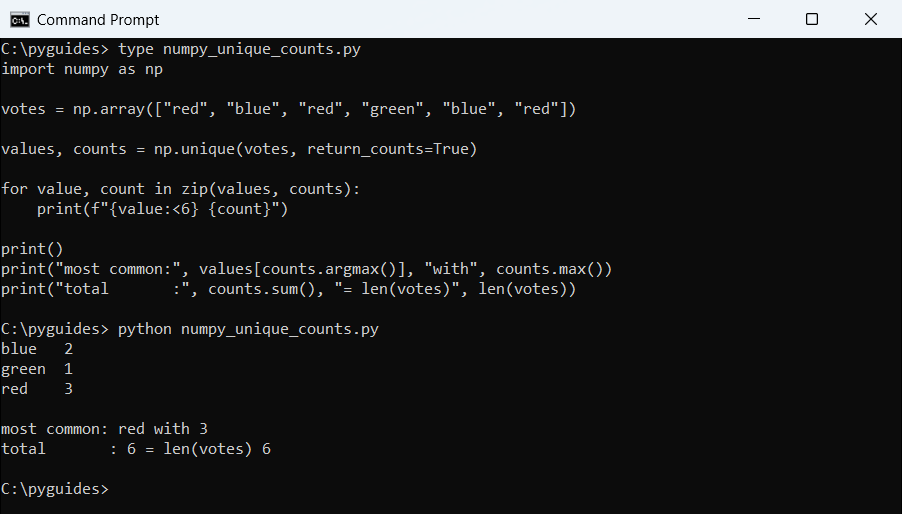
Pair it with argmax to find the most common value. For the plain maximum of the values themselves, that is a different job.
return_index and return_inverse
These two get skipped in most tutorials, and they’re what make np.unique more than a deduplicator:
import numpy as np

data = np.array([30, 10, 20, 10, 30, 30])

values, index, inverse = np.unique(data, return_index=True, return_inverse=True)

print("values :", values)
print("index  :", index, " <- where each unique value FIRST appears")
print("inverse:", inverse, " <- which unique value each original element is")

print("data[index]      :", data[index])
print("rebuilt original :", values[inverse])
print("rebuild matches  :", np.array_equal(values[inverse], data))
Output:
values : [10 20 30]
index  : [1 2 0]  <- where each unique value FIRST appears
inverse: [2 0 1 0 2 2]  <- which unique value each original element is
data[index]      : [10 20 30]
rebuilt original : [30 10 20 10 30 30]
rebuild matches  : True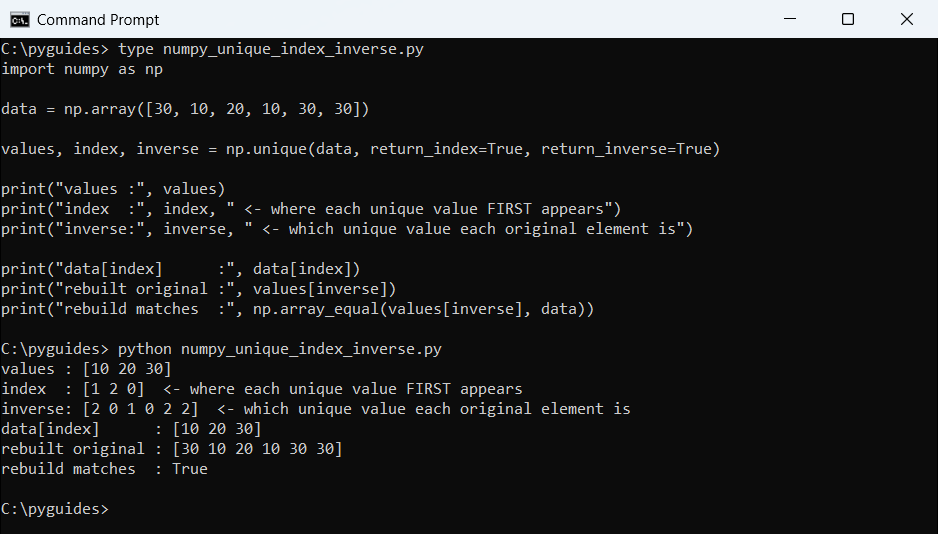
values[inverse] reconstructs the original array exactly.return_index gives the position where each unique value first appeared, so data[index] recovers them in first-seen order rather than sorted order.
return_inverse is a map from every original element back to its slot in the unique array. That is how you label-encode a categorical column in one line.
Unique rows with axis=0
Without axis, a 2D array is flattened and you get unique numbers. With axis=0 you get unique rows:
import numpy as np

rows = np.array([[1, 2],
                 [3, 4],
                 [1, 2],
                 [5, 6],
                 [3, 4]])

print("flattened (no axis):", np.unique(rows))
print()
print("unique rows:")
print(np.unique(rows, axis=0))
print()
print("unique columns of a wide array:")
wide = np.array([[1, 2, 1], [3, 4, 3]])
print(np.unique(wide, axis=1))
Output:
flattened (no axis): [1 2 3 4 5 6]

unique rows:
[[1 2]
 [3 4]
 [5 6]]

unique columns of a wide array:
[[1 2]
 [3 4]]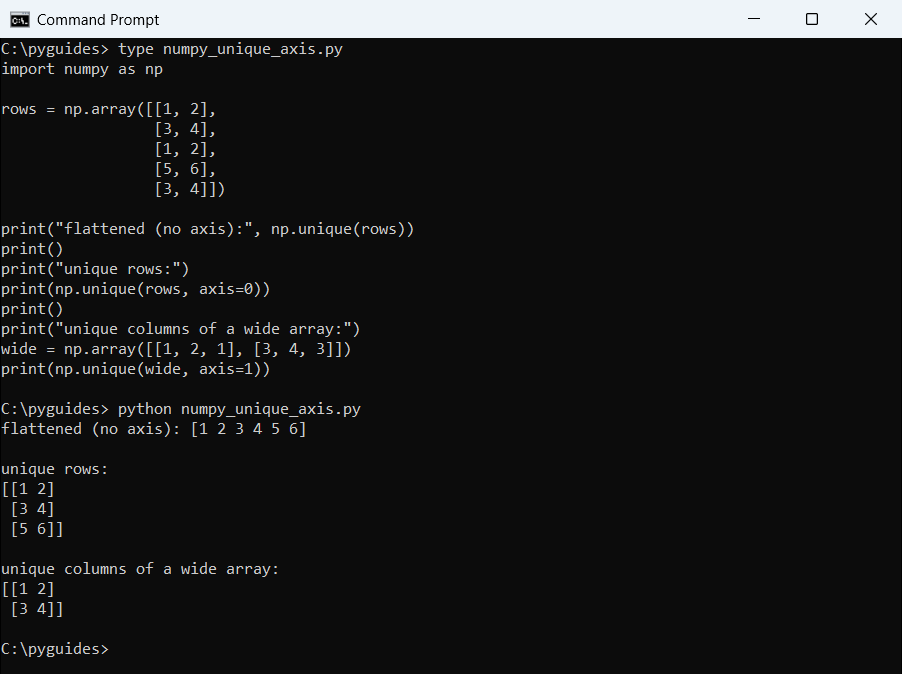
axis=1 does the same for columns. This is the argument to reach for when deduplicating records rather than values.
How np.unique treats NaN
NaN is not equal to itself, so you’d expect several NaNs to survive deduplication. NumPy collapses them anyway:
import numpy as np

values = np.array([1.0, np.nan, 2.0, np.nan, 1.0])

print("np.unique  :", np.unique(values))
print("NaN count  :", np.isnan(np.unique(values)).sum())

# a Python set keeps them apart, because each nan is a distinct object here
print("set()      :", sorted(set(values.tolist()), key=str))
print("nan == nan :", np.nan == np.nan)
Output:
np.unique  : [ 1.  2. nan]
NaN count  : 1
set()      : [1.0, 2.0, nan, nan]
nan == nan : False
Modern NumPy treats all NaNs as the same value for this purpose, which is almost always what you want. A plain Python set does not make that promise.
np.unique, set() and pandas.unique
Three tools, three different contracts:
import numpy as np
import pandas as pd
import timeit

rng = np.random.default_rng(0)
data = rng.integers(0, 1000, size=200_000)

print("np.unique  :", np.unique(data)[:5], "... sorted")
print("pd.unique  :", pd.unique(data)[:5], "... first-seen order")

for name, call in (("np.unique", lambda: np.unique(data)),
                   ("pd.unique", lambda: pd.unique(data)),
                   ("set()", lambda: set(data.tolist()))):
    ms = timeit.timeit(call, number=20) / 20 * 1000
    print(f"{name:<11} {ms:7.2f} ms")
Output:
np.unique  : [0 1 2 3 4] ... sorted
pd.unique  : [850 636 511 269 307] ... first-seen order
np.unique      1.81 ms
pd.unique      0.96 ms
set()          6.50 ms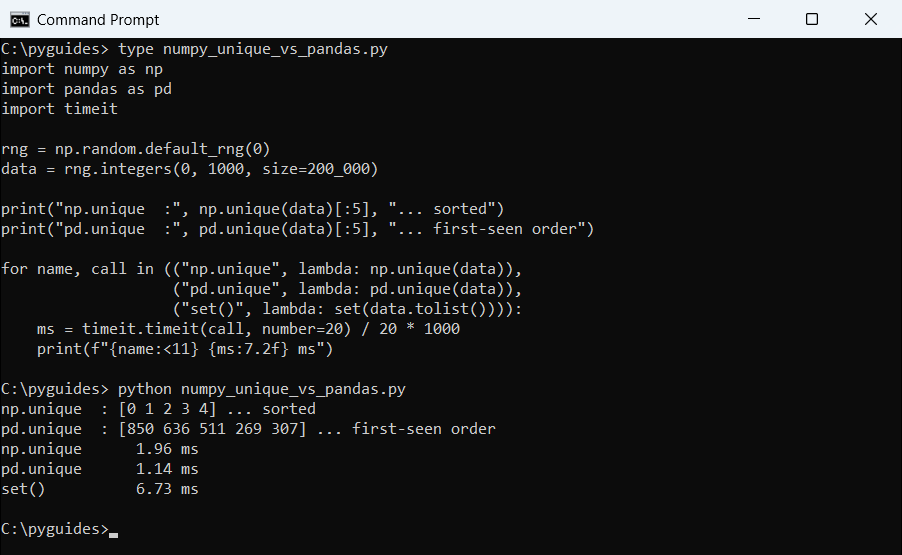
| Call | Order | Returns |
|---|---|---|
np.unique(arr) | Sorted | A NumPy array |
pd.unique(arr) | First seen | A NumPy array |
set(arr) | Unordered | A Python set |
Use pd.unique when the original order matters, and np.unique when you want them sorted or need the counts and index flags alongside.
A set is fine for a membership test, but it loses the array and any dtype information with it.
Related NumPy guides worth a look:
- NumPy data types
- np.add.at for repeated indices
- NumPy factorial
- Find the maximum value in an array
- Create a 2D array with NumPy
Frequently asked questions
What does np.unique do?
It returns the sorted distinct values of an array, with optional counts, first indices and an inverse map. The flags are listed in the numpy.unique reference.
How do I count unique values in a NumPy array?
values, counts = np.unique(arr, return_counts=True). The two arrays line up element by element.
Does np.unique preserve the original order?
No, it always sorts. Use pd.unique for first-seen order, or arr[np.sort(index)] with return_index=True.
How do I get unique rows from a 2D array?
np.unique(arr, axis=0). Without axis the array is flattened and you get unique numbers instead.
What is return_inverse used for?
It maps every original element to its position in the unique array, which is exactly what label encoding needs.
How does np.unique handle NaN?
It collapses multiple NaNs into one, even though nan == nan is False. A Python set does not do that.
Is np.unique faster than set()?
For NumPy arrays usually yes, because it stays in compiled code. pd.unique is often faster still since it skips the sort.

Bijay Kumar is a 13-time Microsoft MVP with more than 18 years in software development, and the founder of Python Guides and TSinfo Technologies. He started out building .NET and SharePoint solutions at HP, TCS and KPIT before moving into Python, machine learning and AI, and he also builds web apps with TypeScript and React. He writes the tutorials here himself, and every example is run before publishing so you see the real output. More about Bijay · Microsoft MVP profile · LinkedIn