
You’re building a form handler or API service, and you want your objects to not only store data but also include functions. For example, a user object that can calculate age or validate input. You try adding functions, but TypeScript throws type errors or doesn’t behave as expected.
This is where functions in TypeScript interfaces come in. They let you define the shape of objects that include both data and behavior, while keeping strong type safety. Once you understand this, your code becomes much cleaner and easier to scale.
In this article, I’ll show you 4 ways to use functions in TypeScript interfaces.
Method 1 – Define Function Signatures Inside Interfaces
This is the most common and beginner-friendly approach. You define the function directly as part of the interface.
Step 1: Create an interface with a function
interface User {
  name: string;
  age: number;
  getBirthYear: () => number;
}
How does this code work?
Here, we define the User interface to describe the structure. The getBirthYear function returns a number. The arrow syntax () => number describes the function’s return type.
Step 2: Implement the interface
const user: User = {
  name: "John",
  age: 30,
  getBirthYear: () => {
    return new Date().getFullYear() - 30;
  }
};

console.log(user.getBirthYear());
Output:
1996
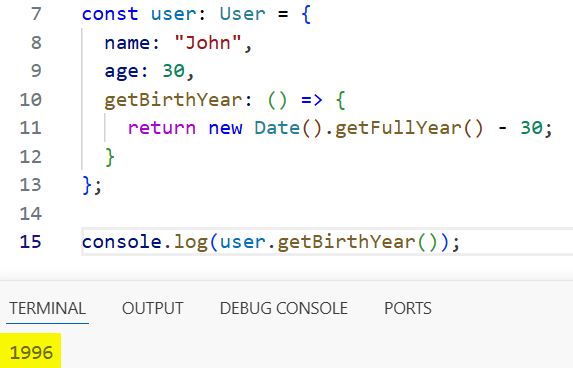
You can see the output in the screenshot below.
How does this code work?
The object user must follow the User interface. TypeScript checks that getBirthYear exists and returns a number.
Pro Tip: Use arrow functions here to avoid issues with this binding in objects.
Method 2 – Use Method Syntax in Interfaces
This approach looks cleaner and is closer to how class methods are written.
Step 1: Define a method-style function
interface User {
  name: string;
  age: number;
  getBirthYear(): number;
}
How does this code work?
Instead of arrow syntax, you define getBirthYear() like a method. TypeScript treats it the same way.
Step 2: Implement the object
const user: User = {
  name: "John",
  age: 30,
  getBirthYear() {
    return new Date().getFullYear() - this.age;
  }
};

console.log(user.getBirthYear());
Output:
1996
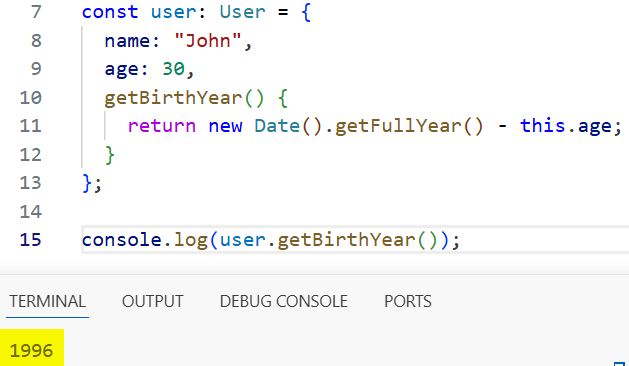
You can see the output in the screenshot below.
How does this code work?
The method uses this.age to access object data. TypeScript ensures the return type matches the interface.
Pro Tip: Use this syntax when your function relies on this for better readability and maintainability.
Method 3 – Use Interfaces with Function Parameters
This method is useful when your function needs inputs, like validation or formatting.
Step 1: Define a function with parameters
interface User {
  name: string;
  validateAge: (minAge: number) => boolean;
}
How does this code work?
The function validateAge takes a number parameter (minAge) and returns a boolean.
Step 2: Implement the function
const user: User = {
  name: "John",
  validateAge: (minAge) => {
    return 30 >= minAge;
  }
};

console.log(user.validateAge(18));
Output:
true
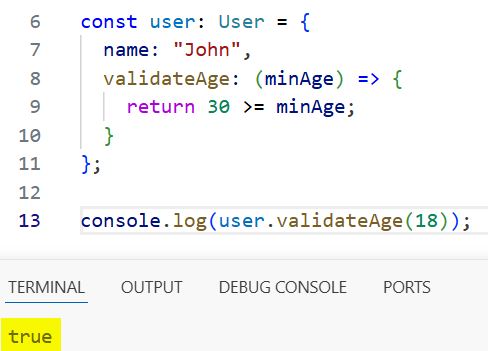
You can see the output in the screenshot below.
How does this code work?
TypeScript enforces that validateAge accepts a number and returns a boolean. Passing the wrong types will throw compile-time errors.
You may read:
- Use Non-Null Assertion (!) in TypeScript
- TypeScript As Keyword
- TypeScript Promises
- Use Comments in TypeScript

Bijay Kumar is an experienced Python and AI professional who enjoys helping developers learn modern technologies through practical tutorials and examples. His expertise includes Python development, Machine Learning, Artificial Intelligence, automation, and data analysis using libraries like Pandas, NumPy, TensorFlow, Matplotlib, SciPy, and Scikit-Learn. At PythonGuides.com, he shares in-depth guides designed for both beginners and experienced developers. More about us.

