
You’re working with API data or form input and expect it to follow a specific structure. But TypeScript throws no error at runtime, and suddenly your app breaks because the object didn’t match your interface.
This happens because interfaces in TypeScript exist only at compile time. That means you can’t directly “check” them at runtime unless you build your own logic. So if you want real validation, you need practical workarounds.
In this article, I’ll show you 4 ways to check if an object implements an interface in TypeScript.
Method 1 – Use a Custom Type Guard Function
This is the most common and recommended way. You define a function that checks required properties and tells TypeScript about the result.
Step 1: Define the Interface
interface User {
  id: number;
  name: string;
  email: string;
}
How does this code work?
An interface defines the shape of an object. Here, a User must have id, name, and email.
Step 2: Create a Type Guard Function
function isUser(obj: any): obj is User {
  return (
    typeof obj === "object" &&
    typeof obj.id === "number" &&
    typeof obj.name === "string" &&
    typeof obj.email === "string"
  );
}
How does this code work?
The TypeScript return type obj is User is a type predicate. It tells the TypeScript compiler that if this function returns true, then obj is a User.
Step 3: Use the Function
const data = { id: 1, name: "John", email: "john@test.com" };

if (isUser(data)) {
  console.log("Valid User:", data.name);
} else {
  console.log("Invalid User");
}
Expected Output:
Valid User: John
I executed the above example code and added the screenshot below.
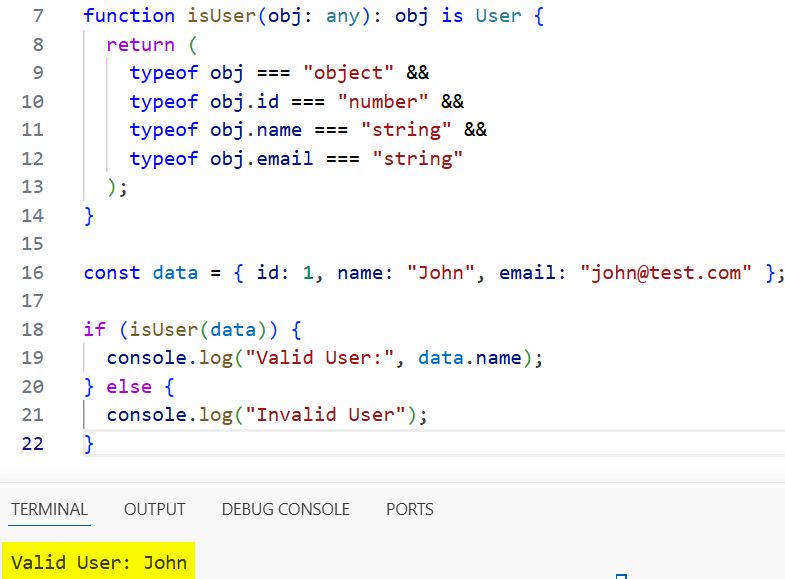
How does this code work?
The function checks each property at runtime. Inside the TypeScript if block, TypeScript safely treats data as a User.
Pro Tip: Always use unknown instead of any for safer checks in production code.
Method 2 – Use the “in” Operator
Use this when you only need a quick property existence check, not strict type validation.
Step 1: Define the Interface
interface User {
  id: number;
  name: string;
  email: string;
}
Step 2: Check Properties Using “in”
const data: any = { id: 2, name: "Rahul", email: "rahul@test.com" };

if ("id" in data && "name" in data && "email" in data) {
  console.log("Looks like a User");
}
Expected Output:
Looks like a User
I executed the above example code and added the screenshot below.
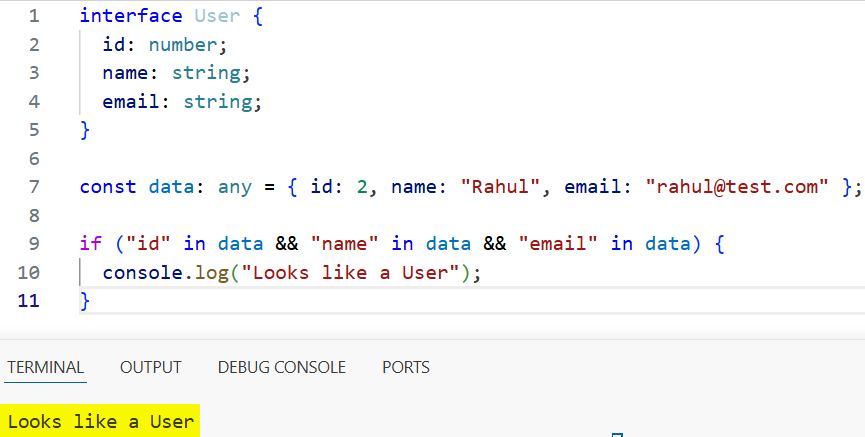
How does this code work?
The “in” operator checks if a property exists in an object. It does not verify the data type.
Pro Tip: Combine “in” with typeof checks for better type safety.
Method 3 – Use Class with instanceof
This works only when you use classes instead of interfaces. Interfaces disappear at runtime, but classes don’t.
Step 1: Define a Class
class User {
  constructor(
    public id: number,
    public name: string,
    public email: string
  ) {}
}
How does this code work?
A class creates a real JavaScript object. Unlike interfaces, it exists at runtime.
Step 2: Create and Check Instance
const user = new User(3, "Amit", "amit@test.com");

if (user instanceof User) {
  console.log("User instance confirmed");
}
Expected Output:
User instance confirmed
I executed the above example code and added the screenshot below.
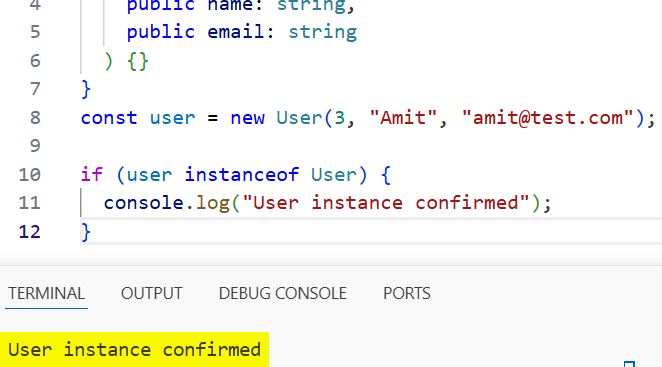
How does this code work?
The instanceof operator checks if the object was created using the User class.
Pro Tip: Use this approach when you control object creation and want strong runtime guarantees.
Method 4 – Use Utility Validation Function (Reusable Checker)
This is useful in larger apps where you validate multiple interfaces.
Step 1: Create a Generic Validator
function hasKeys(obj: any, keys: string[]): boolean {
  return keys.every(key => key in obj);
}
How does this code work?
The function checks if all required keys exist using Array.every().
Step 2: Apply It to Your Interface
const userKeys = ["id", "name", "email"];

const data = { id: 4, name: "Neha", email: "neha@test.com" };

if (hasKeys(data, userKeys)) {
  console.log("Valid structure");
}
Expected Output:
Valid structure
How does this code work?
You pass required keys as an array. The function ensures all keys exist in the object.
Pro Tip: Extend this with type checks to build your own lightweight validation library.
Things to Keep in Mind
- Interfaces are compile-time only: You cannot directly check an interface at runtime because it gets removed during compilation.
- Avoid using any; use unknown instead to enforce proper validation checks before use.
- Optional properties can break checks: If your interface has optional fields, update your validation logic accordingly.
- Union types need extra care: When working with a union type, ensure your checks cover all possible shapes.
- Strict mode matters: Enable strict in tsconfig.json to catch more type-related issues early.
- Type assertions are not checks: Using as User does not validate data; it only tells the compiler to trust you.
You learned four practical ways to check if an object implements an interface in TypeScript.
Use type guards for real-world validation, and prefer classes only when runtime checks are required.
I hope you found this article helpful.
You may also read:
- How to Get Index in forEach Loop in TypeScript?
- for…in Loops in TypeScript
- How to Use for…of Loops in TypeScript?
- TypeScript forEach Loop with Index

Bijay Kumar is an experienced Python and AI professional who enjoys helping developers learn modern technologies through practical tutorials and examples. His expertise includes Python development, Machine Learning, Artificial Intelligence, automation, and data analysis using libraries like Pandas, NumPy, TensorFlow, Matplotlib, SciPy, and Scikit-Learn. At PythonGuides.com, he shares in-depth guides designed for both beginners and experienced developers. More about us.

