
Calculating the average of a list is one of those fundamental tasks I find myself doing almost every day as a developer.
Whether I’m analyzing stock prices on the NYSE or looking at temperature trends in Chicago, getting that mean value is essential.
In this tutorial, I will show you exactly how I handle calculating averages in Python using several different approaches.
I’ve spent over a decade writing Python code, and I’ve found that the “best” way often depends on whether you want speed, readability, or standard library support.
Use the sum() and len() Functions
The most common way I calculate an average is by using the built-in sum() and len() functions. It is easy and doesn’t require importing any external libraries.
In this example, let’s look at the average gas prices in a few US cities.
# List of gas prices per gallon in USD for various US cities
gas_prices = [3.45, 3.89, 4.12, 3.20, 3.75, 5.10]

# Calculate the sum of all prices
total_price = sum(gas_prices)

# Get the number of items in the list
number_of_cities = len(gas_prices)

# Calculate the average
average_gas_price = total_price / number_of_cities

print(f"The average gas price across these US cities is: ${average_gas_price:.2f}")
You can see the output in the screenshot below.
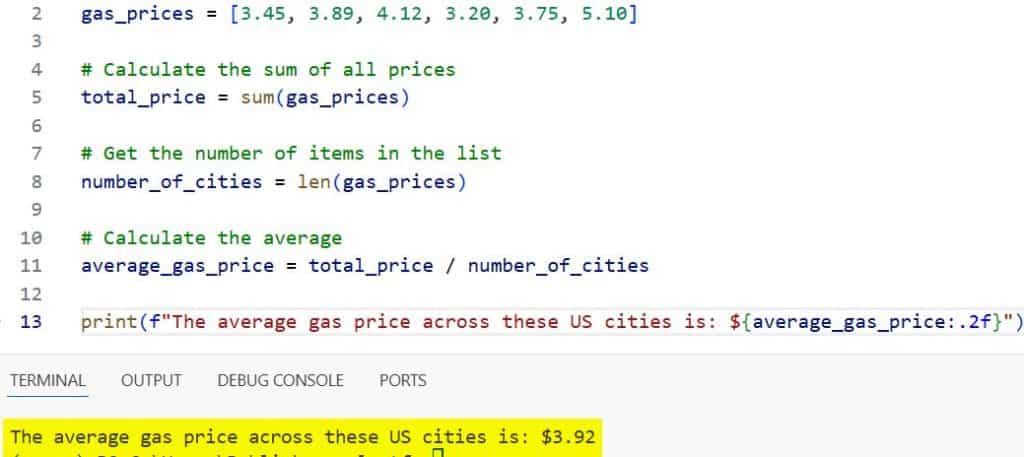
I like this method because it is very explicit. You can clearly see the math happening: the total sum divided by the count.
One thing I always watch out for is an empty list. If the list is empty, len() will return zero, and Python will throw a ZeroDivisionError.
Use the Python Statistics Module
If I want my code to be a bit more readable and “Pythonic,” I prefer using the statistics module. This module was introduced in Python 3.4 and is part of the standard library.
It includes a dedicated mean() function that handles the math for you. Let’s use it to find the average height of a small group of NBA players in inches.
import statistics

# Heights of a basketball starting five in inches
player_heights = [74, 78, 81, 75, 84]

# Using the mean function from the statistics module
avg_height = statistics.mean(player_heights)

print(f"The average height of the starting lineup is: {avg_height} inches")
You can see the output in the screenshot below.
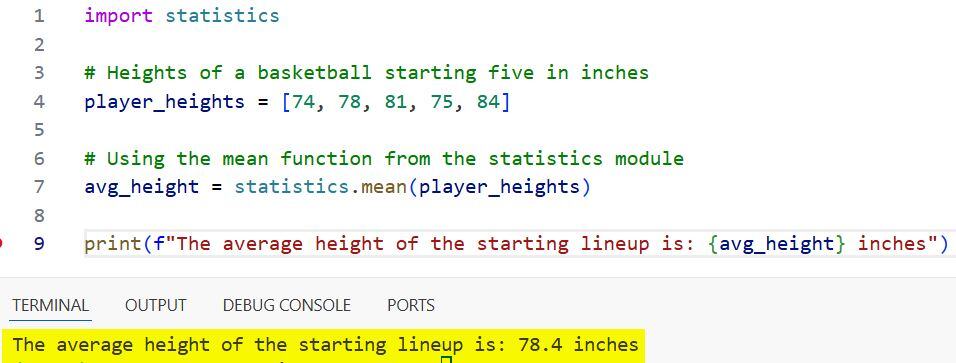
In my experience, using statistics.mean() is much cleaner when you are doing data analysis. It tells the next developer exactly what your intent is without them having to look at the formula.
Calculate Average with the NumPy Library
When I am working on large-scale data projects or machine learning models, I almost always turn to NumPy. NumPy is an external library, so you will need to install it first using pip install numpy.
NumPy is incredibly fast because it’s optimized for numerical operations. Let’s look at average annual salaries for software engineers in different US tech hubs.
import numpy as np

# Annual salaries in USD for tech hubs (SF, Austin, NYC, Seattle, Denver)
salaries = [155000, 115000, 145000, 140000, 110000]

# Using numpy to find the average
average_salary = np.mean(salaries)

print(f"The average software engineer salary in these hubs is: ${average_salary:,.2f}")
You can see the output in the screenshot below.
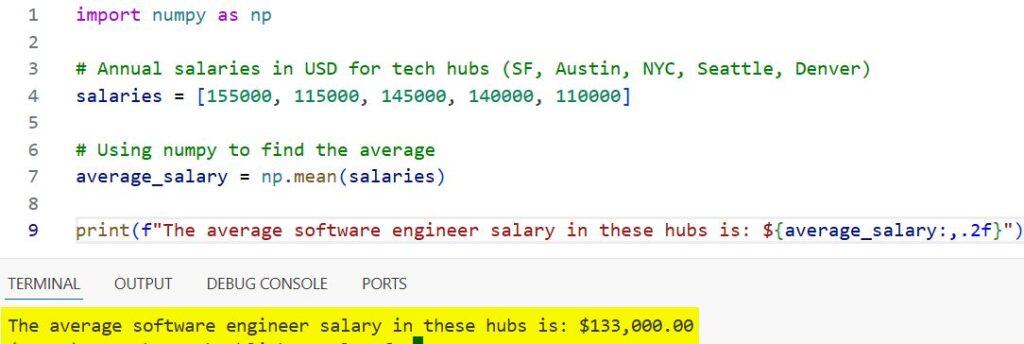
I usually suggest NumPy if your list contains thousands or millions of data points. For a small list, it might be overkill, but for big data, it is a lifesaver.
Use a For Loop (The Manual Way)
Sometimes, especially when I’m teaching junior developers, I like to show how to do this manually using a loop. It helps you understand exactly how the computer iterates through data.
Let’s calculate the average score of a high school SAT prep class in the US.
# SAT scores from a recent practice exam
sat_scores = [1250, 1340, 1410, 1100, 1520, 1480]

total_sum = 0
count = 0

# Iterate through the list
for score in sat_scores:
    total_sum += score
    count += 1

# Calculate average
average_sat = total_sum / count

print(f"The class average for the SAT practice test is: {average_sat:.1f}")
You can see the output in the screenshot below.
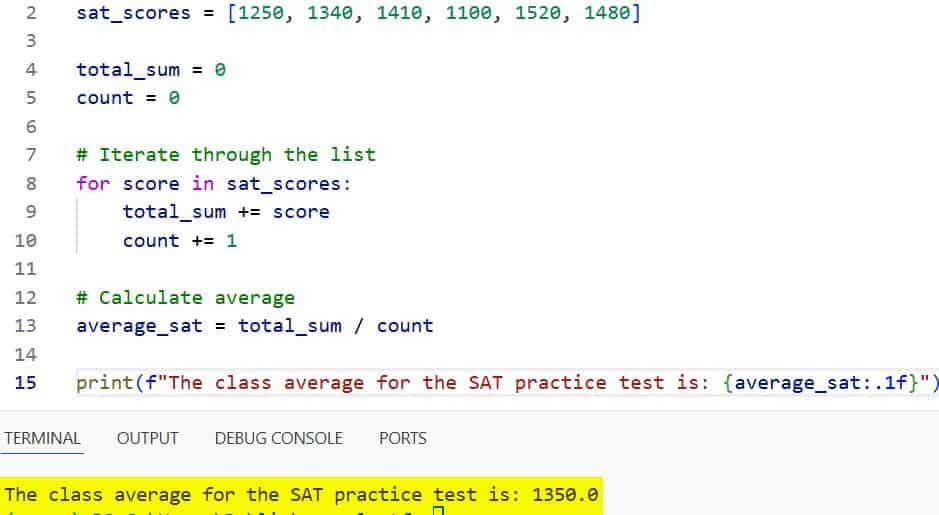
While I rarely use this in production code because sum() is faster, it is a great logic exercise. It also allows you to add conditional logic, like skipping scores that are below a certain threshold.
Handle Averages in a List of Dictionaries
In real-world applications, data rarely comes in a simple list of numbers. Often, I deal with a list of dictionaries, such as data pulled from a database or a JSON API.
Imagine we have a list of US states and their respective populations (in millions). Here is how I would extract the average.
# Population of various US states in millions
state_data = [
    {"state": "California", "population": 39.2},
    {"state": "Texas", "population": 29.1},
    {"state": "Florida", "population": 21.5},
    {"state": "New York", "population": 20.2},
    {"state": "Pennsylvania", "population": 13.0}
]

# Use a list comprehension to extract the values
populations = [item['population'] for item in state_data]

# Calculate average
avg_pop = sum(populations) / len(populations)

print(f"The average population of these five states is: {avg_pop:.2f} million")
I find list comprehensions to be the most efficient way to “pluck” numeric data out of complex structures before performing the average calculation.
Find the Weighted Average
In some professional scenarios, a simple average isn’t enough. For example, if you are calculating a GPA (Grade Point Average) in a US university, different classes have different credit weights.
Here is how I would calculate a weighted average in Python.
# Grades (0.0 to 4.0 scale) and their credit hours
# (Grade, Credits)
courses = [(4.0, 3), (3.5, 4), (3.0, 3), (4.0, 1)]

total_weighted_points = sum(grade * credits for grade, credits in courses)
total_credits = sum(credits for grade, credits in courses)

gpa = total_weighted_points / total_credits

print(f"The calculated Semester GPA is: {gpa:.2f}")
This is a bit more advanced, but it is a very common requirement in financial and educational software.
Deal with Missing Data (NaN)
One headache I often encounter in data science is missing data, often represented as NaN (Not a Number). If you try to average a list containing NaN using standard methods, the result will be NaN.
When I use NumPy, I can bypass this easily using nanmean. Let’s look at average daily rainfall in Seattle, where some days weren’t recorded.
import numpy as np

# Rainfall in inches, with some missing data (None/NaN)
rainfall = [0.1, 0.5, np.nan, 0.2, np.nan, 0.0]

# This would normally result in 'nan'
regular_mean = np.mean(rainfall)

# This ignores the 'nan' values
clean_mean = np.nanmean(rainfall)

print(f"The average rainfall (ignoring missing data) is: {clean_mean:.2f} inches")
In my professional experience, data is rarely “clean.” Knowing how to ignore null values is a skill you will use constantly.
Which Method Should You Use?
I usually tell people that if you are doing something simple, stick with sum(list) / len(list). It requires no imports and is very fast.
If you are doing any kind of statistical work, use the statistics module because it makes your code look more professional.
For anything involving large datasets, arrays, or matrices, NumPy is the industry standard for a reason.
I hope this tutorial helped you understand the different ways to find the average of a list in Python.
Calculations like these are the building blocks of data analysis. Once you master the average, you can move on to more complex statistical concepts with confidence.
You may also like to read:
- How to Pretty Print Dictionary in Python
- Import Modules from a Parent Directory in Python
- How to Check if a Directory Exists in Python
- How to Convert Set to List in Python

Bijay Kumar is an experienced Python and AI professional who enjoys helping developers learn modern technologies through practical tutorials and examples. His expertise includes Python development, Machine Learning, Artificial Intelligence, automation, and data analysis using libraries like Pandas, NumPy, TensorFlow, Matplotlib, SciPy, and Scikit-Learn. At PythonGuides.com, he shares in-depth guides designed for both beginners and experienced developers. More about us.

